 Pixel Bloom
Color by number,
the calm way.
Pixel Bloom turns numbered squares into beautiful pixel art — 745 pictures, collectible creatures, your own photos and printable coloring sheets. Five quiet minutes, anywhere.
Free to download · 275 free pictures · Premium removes ads and unlocks everything
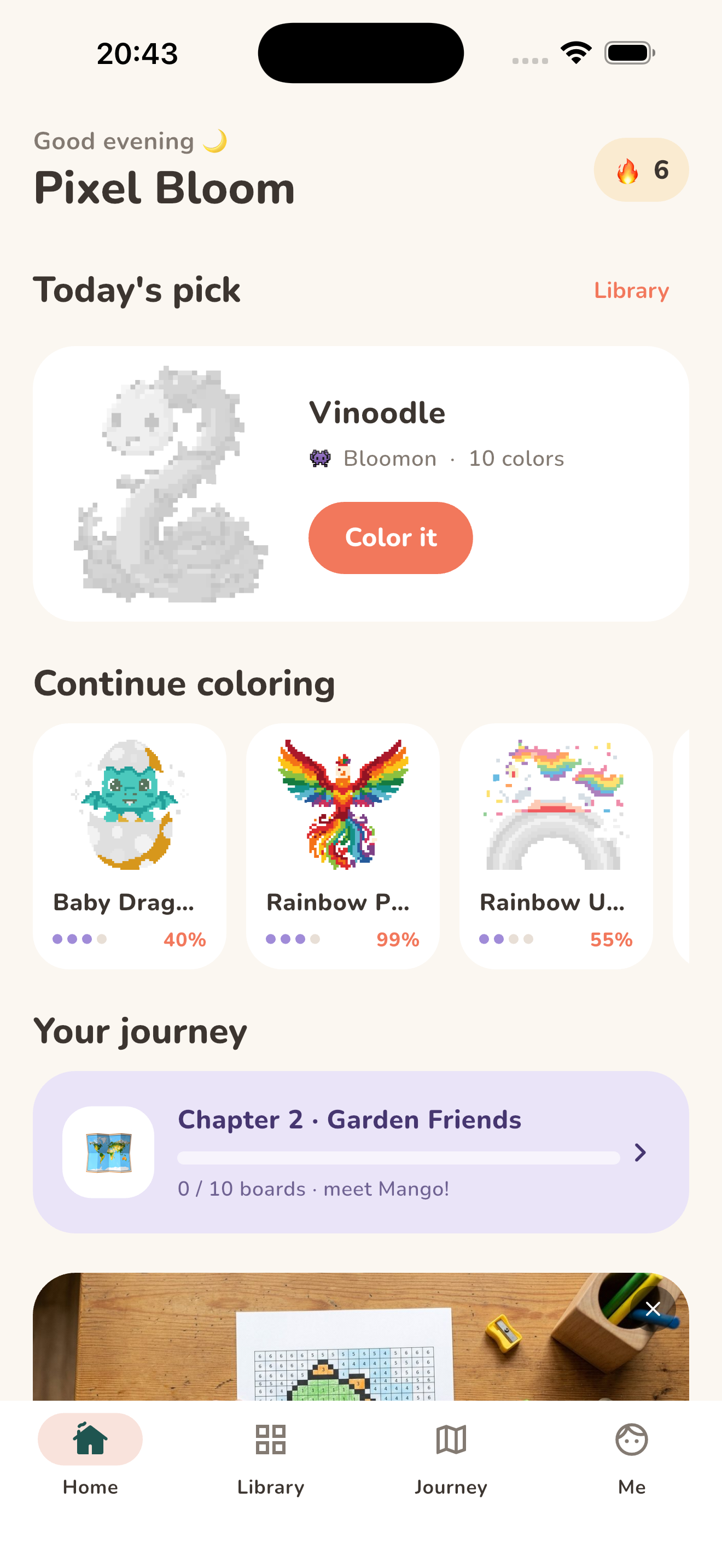



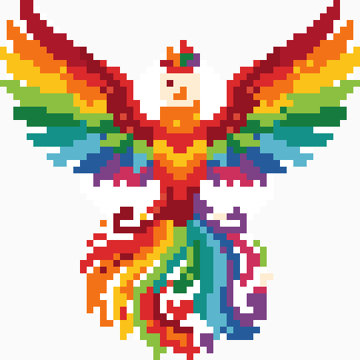




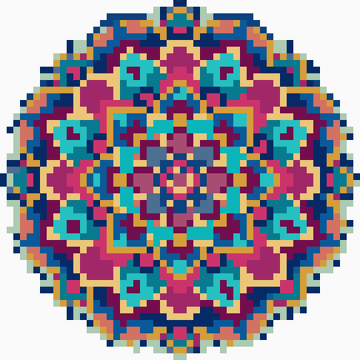


A color by number app that respects your calm
Tap the numbered cells, follow the colors, and watch every picture bloom. Designed for kids and grown-ups alike.
Color your own photos
Import any photo and it becomes a color by number board — quick and easy or expert-level.
Fully offline
Every picture ships with the app. Planes, trains, cabins — it all works.
A journey with mascots
120 boards across 12 chapters, each rescuing an adorable mascot.
Kids Club
Big, bold pictures for little artists aged 5–8 — dinos, heroes and sweets.
Streaks & achievements
Daily streaks and 18 achievements that celebrate little wins.
Light & dark themes
Gentle sounds, soft haptics and a dark mode for late-night coloring.
Collect all 100 Bloomon
Original collectible creatures across five element families — Flora, Ember, Aqua, Terra and Spirit. Every Bloomon stays a mystery silhouette until you color it, then takes its place in your Bloomondex.
Can you discover them all?
 ThistlehopKindlecub
 Foxicle
 Snailaxy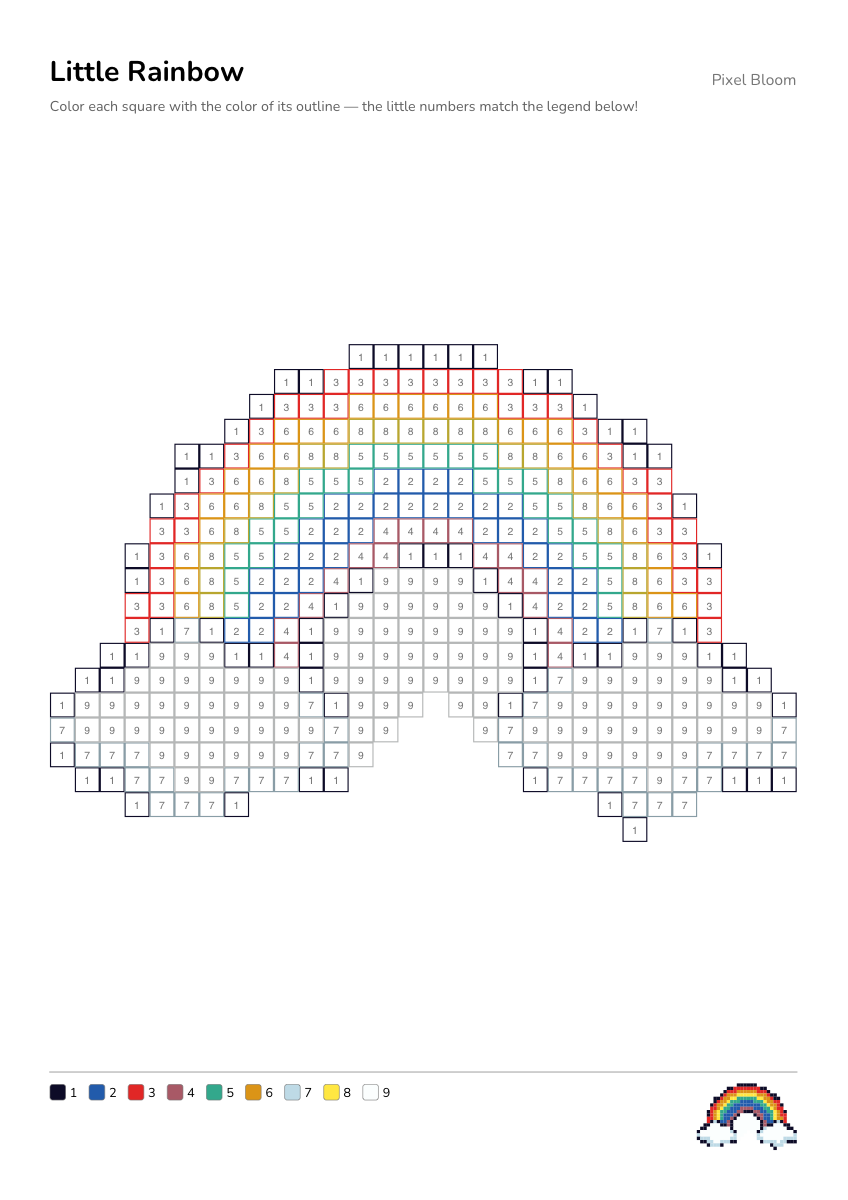
Print & color on paper
Any picture becomes a printable coloring sheet: every square is outlined in the color to use, with tiny legend numbers — perfect for crayons, classrooms and rainy afternoons.
Loved by parents, teachers and grandparents.
Made to melt stress, not test it
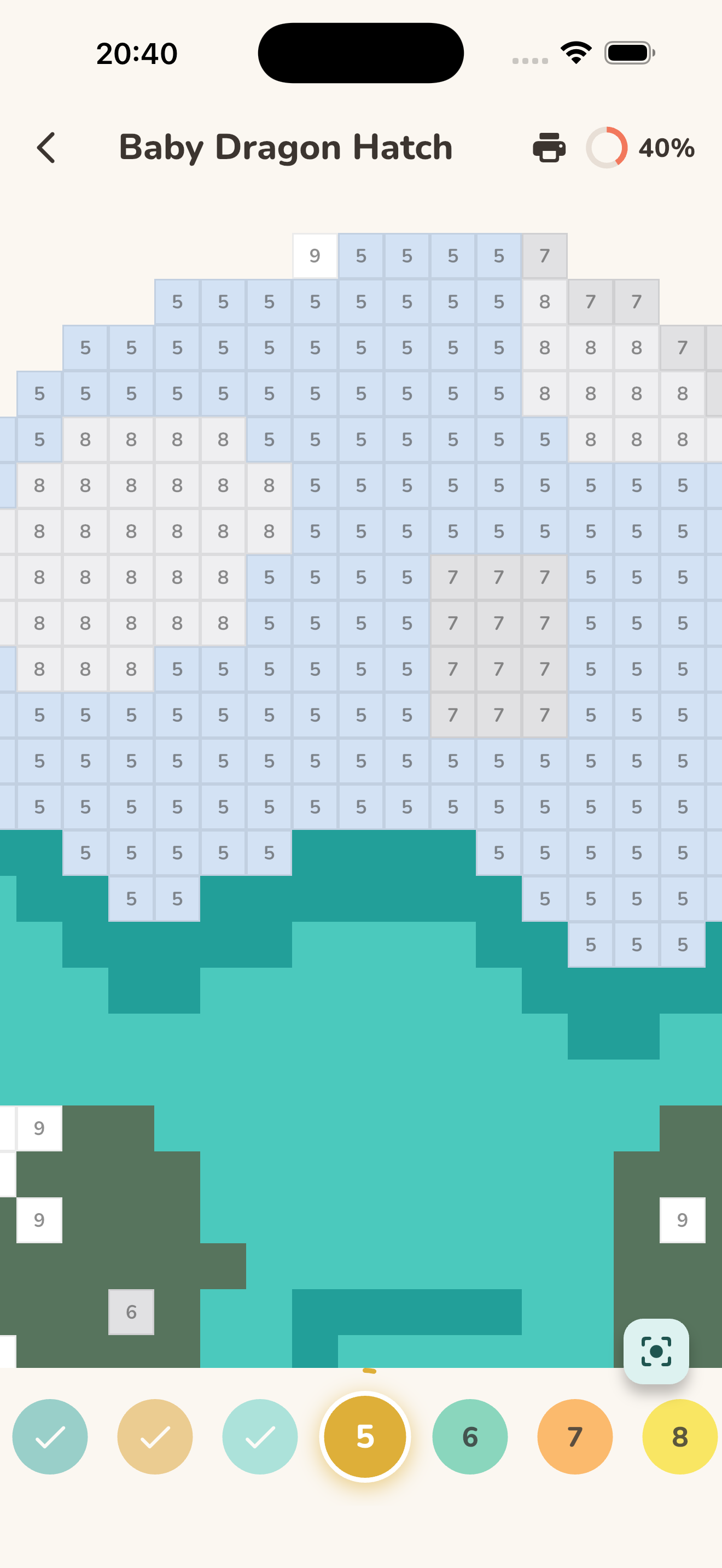
Pinch to zoom, drag to paint, and let the auto-advancing palette guide you to the next color. Gentle pops, soft haptics and a confetti moment when the last cell fills in.
Questions, answered
What is a color by number app?
A color by number app gives every cell of a picture a number that matches a color in the palette. Tap the cells with the selected number to fill them in, and the artwork gradually appears — a famously relaxing way to create pixel art without needing any drawing skills.
Is Pixel Bloom free? What does Premium add?
Pixel Bloom is free to download, and 275 of its 745 pictures are free to color. The free version shows a few family-safe ads while you color. Premium removes every ad and unlocks the whole library — choose a weekly subscription (new subscribers get a free trial) or a single lifetime purchase; the exact prices are shown in the app before you buy. Where available, you can also unlock the library free by inviting two friends.
Does it work offline?
Completely. Every picture ships inside the app, and your progress is saved on your device, so you can color on planes, road trips and anywhere without internet.
Is it suitable for kids?
Very much — the Kids Club category has big, bold pictures designed for ages 5–8, and the whole app is family friendly: no chat, no accounts, and the ads in the free version are non-personalised and family-safe (Premium removes them entirely). Adults get mandalas, cozy scenes, painterly mosaics and expert boards with dozens of colors.
Can I turn my own photos into color by number?
Yes. The Import tab turns any photo from your camera or gallery into a color by number board — from a quick 24×24 picture with 8 colors up to a detailed 96×96 board with 32 colors. Photos are processed on your device and never uploaded.
Can I print the pictures?
Yes! Any picture can be printed as a paper coloring sheet where each square is outlined in the color to use — great for crayons, classrooms and screen-free afternoons.
Pick a picture. Tap a number. Bloom.
Free on iPhone, iPad and Android.